
Across modern workplaces, a simple rule is taking hold: if you can say it, don’t type it. Voice-first AI workflows let you brainstorm naturally, think out loud, and keep your hands free — no more pausing mid-idea to peck at a keyboard. But for most people, voice AI still falls flat in real office life: background chatter, noisy surroundings, and messy meeting recordings turn quick voice commands into extra cleanup work.
The Hidden Flaw in Most Voice AI Tools
The biggest barrier to smooth voice AI isn’t weak AI models — it’s bad audio input.
In open offices, a coworker chatting at the next desk, constant keyboard clicks, and general background hum all get picked up by standard laptop or phone mics. Noisy, muddled speech leads to typos in transcription, confused AI responses, and extra time spent fixing mistakes. It also wastes AI tokens: fragmented, error-ridden inputs mean more back-and-forth revisions just to get a clean, usable result. Many people blame the AI itself, but the real problem starts before the sound even reaches the model.
Meetings bring another layer of hassle. The typical routine — record rough audio, run it through a separate transcription tool, then manually summarize key points — wastes hours. Every extra file transfer and reprocessing step erodes context, makes AI summaries less accurate, and forces you to revisit the meeting all over again just to clean up notes.
Oleap Archer: Clear Voice Input, Even When It’s Loud Around You
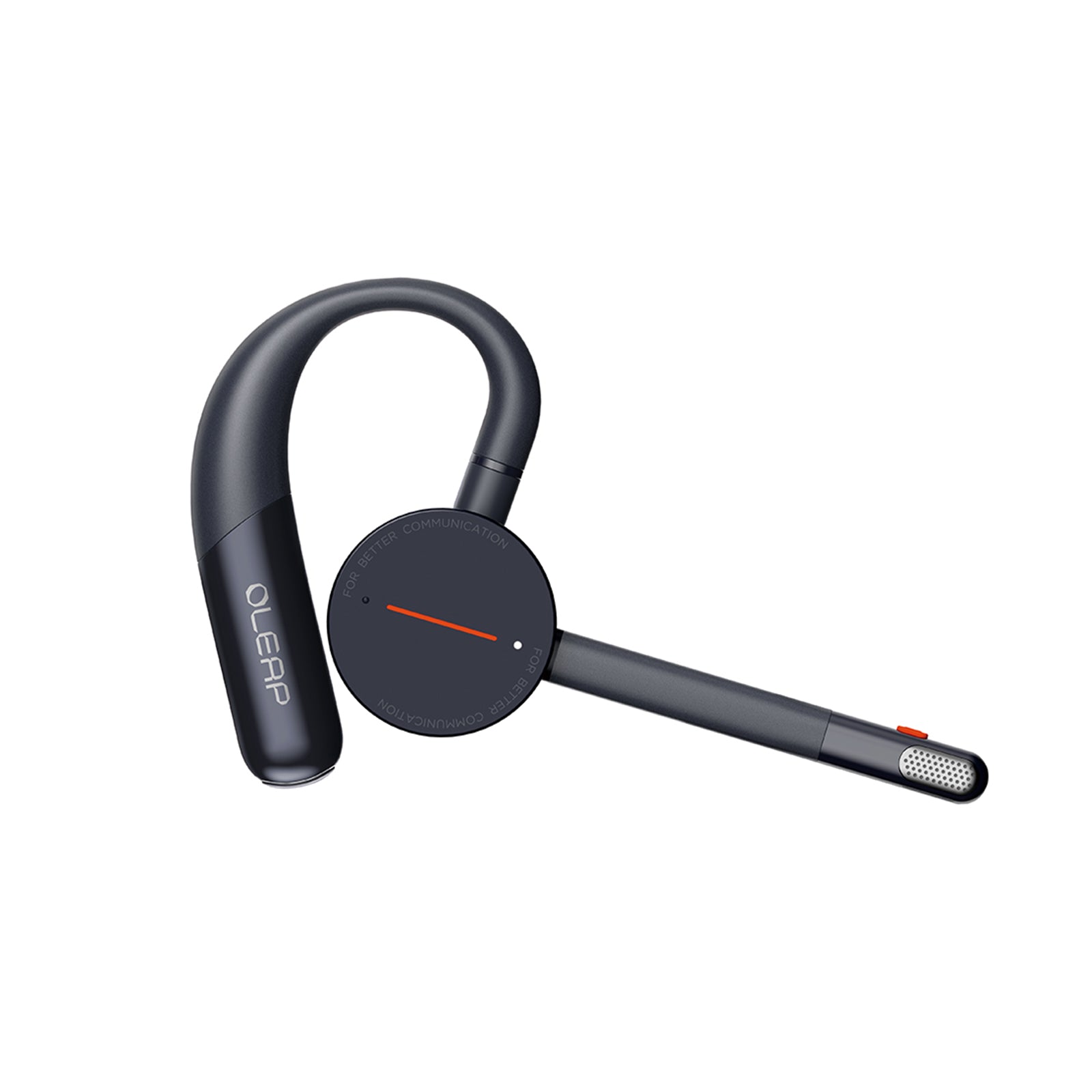
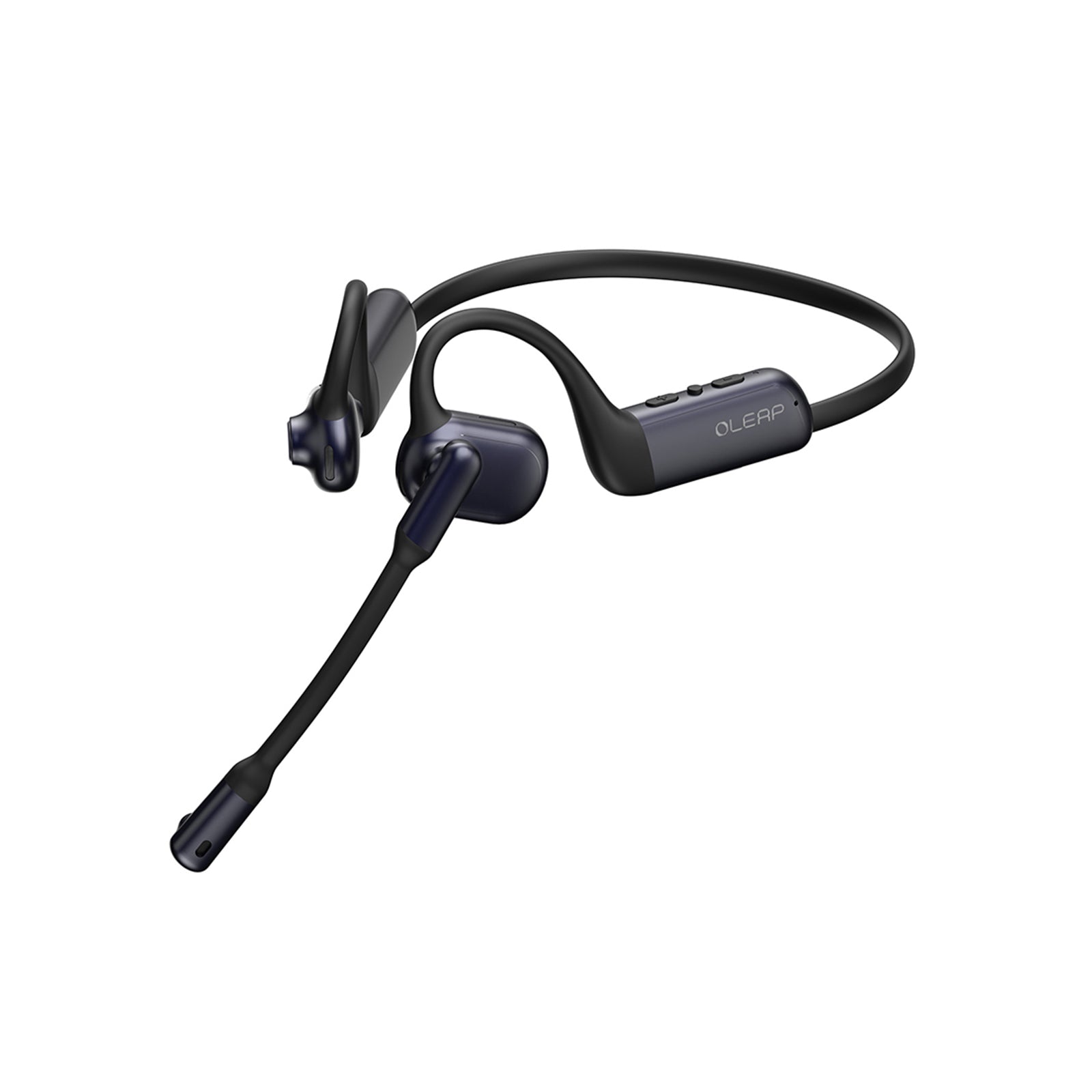
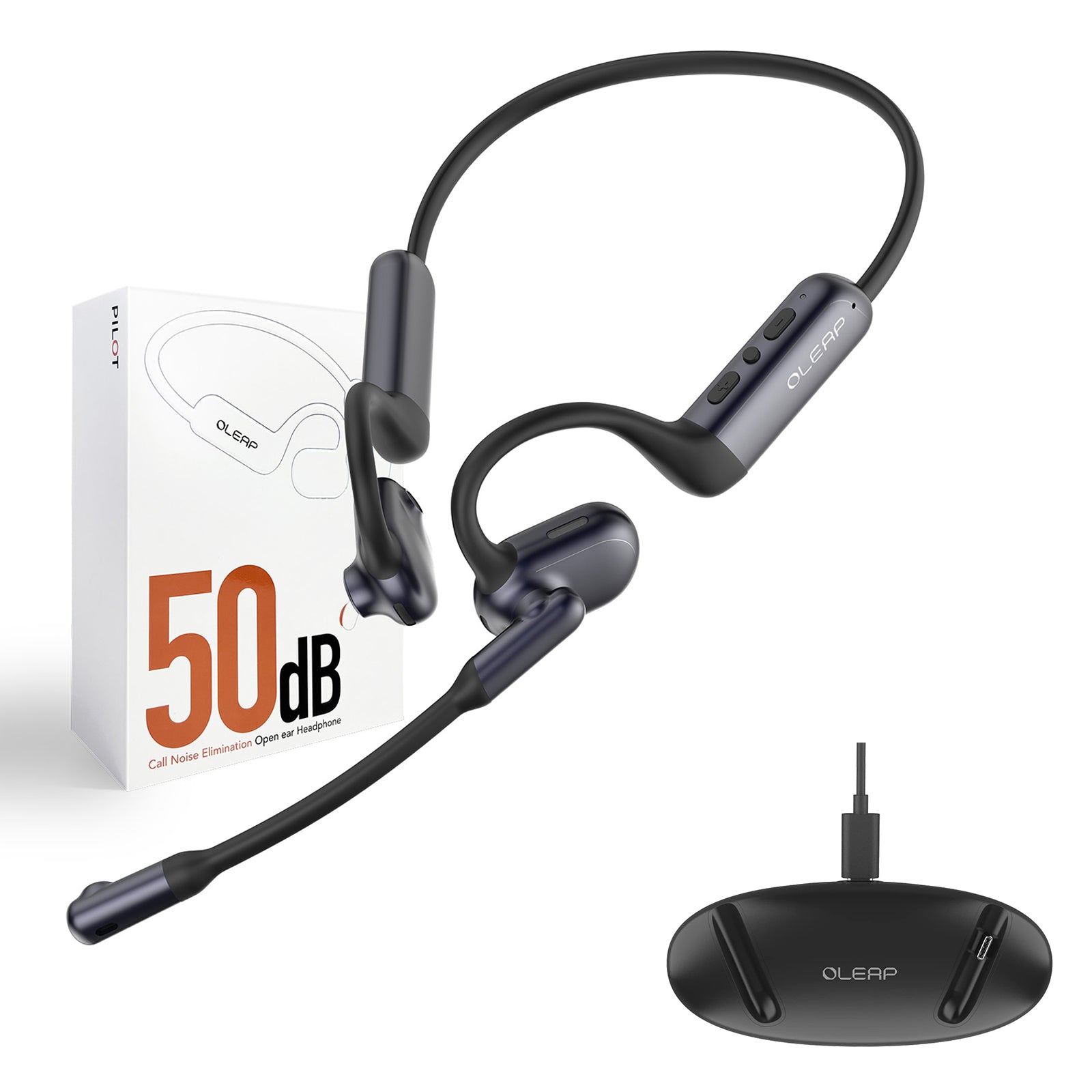
Oleap Archer fixes these problems at the source with dual microphones and 50dB ENC environmental noise cancellation.
Put simply: it locks in on your voice, and filters out almost everything else. Even if a colleague is talking right next to you, their conversation won’t leak into your input. You don’t have to raise your voice or over-enunciate — even quiet, casual speech comes through crisp and clear.
This makes all the difference for daily voice AI use:
- Fewer transcription errors, so you don’t waste time correcting typos
- Cleaner, more natural prompts for AI tools, for more accurate first-time results
- Less back-and-forth revision, which cuts down on unnecessary token waste
One-Step Meeting Notes: From Conversation to Action Items Instantly
Oleap Archer also streamlines the entire meeting workflow end to end.
Instead of recording messy audio that needs extra processing later, it captures clean, noise-reduced meeting audio directly. That high-quality recording feeds straight into AI tools in one seamless flow: automatic transcription, key point extraction, and action item summaries — all done in a single step.
No re-recording, no file conversion, no lost context. The AI gets the full, clear conversation from start to finish, so it produces accurate, structured meeting notes right away. You stay fully focused on the discussion instead of typing furiously, and you won’t have to stay late cleaning up transcripts.
Voice-First Work Just Works Better When It’s Effortless
At the end of the day, voice-first productivity delivers the most value when it feels invisible. Oleap Archer takes the friction out of voice AI: no more shouting over office noise, no more fixing garbled transcripts, no more wasted tokens on repeated revisions.
It turns natural, casual speech into reliable, AI-ready input instantly. Talk through your ideas, your meetings, and your daily tasks — and let AI handle the typing, organizing, and summarizing.