
Clearer Calls in Busy Offices, Coffee Shops, and Noisy Workspaces
You've probably experienced this before: you're on an important call, but the person on the other end can hear your coworkers talking, keyboards clicking, or people chatting nearby.
Even when you can hear the conversation perfectly, your microphone may be sending all that background noise to the other person.
So why does this happen, and how can you fix it?
Why Does Your Headset Microphone Pick Up Background Noise?
Most microphones capture more than just your voice. They also pick up sounds from the surrounding environment.
This becomes especially noticeable in places like:
-
Open offices with coworkers talking nearby
-
Coffee shops filled with conversations and background music
-
Airports and busy public spaces
-
Home offices with children, pets, or construction noise
Standard microphones may struggle to separate your voice from these competing sounds.
The result? Your voice gets buried in background noise, making conversations frustrating for everyone involved.
5 Ways to Reduce Background Noise During Calls
1. Position Your Microphone Correctly
A microphone placed too far from your mouth may pick up more background noise relative to your voice.
If your headset has an adjustable microphone boom, position it close to the side of your mouth, following the manufacturer's recommendations.
2. Enable Noise Suppression in Your Calling Software
Applications such as Zoom and Microsoft Teams offer built-in noise suppression features.
These settings can help reduce unwanted sounds during meetings. However, their effectiveness varies depending on the type and intensity of the background noise.
3. Avoid Using Your Laptop's Built-In Microphone
Laptop microphones are convenient, but their distance from your mouth can make isolating your voice more challenging, especially in busy environments.
A dedicated headset with a well-positioned microphone can help improve the voice-to-noise ratio.
4. Choose a Headset with ENC Technology
Environmental Noise Cancellation (ENC) is designed to reduce background noise captured by your microphone.
Unlike Active Noise Cancellation (ANC), which primarily reduces noise you hear, microphone ENC focuses on making your voice clearer to the person listening.
This distinction matters when you're making business calls in noisy places.
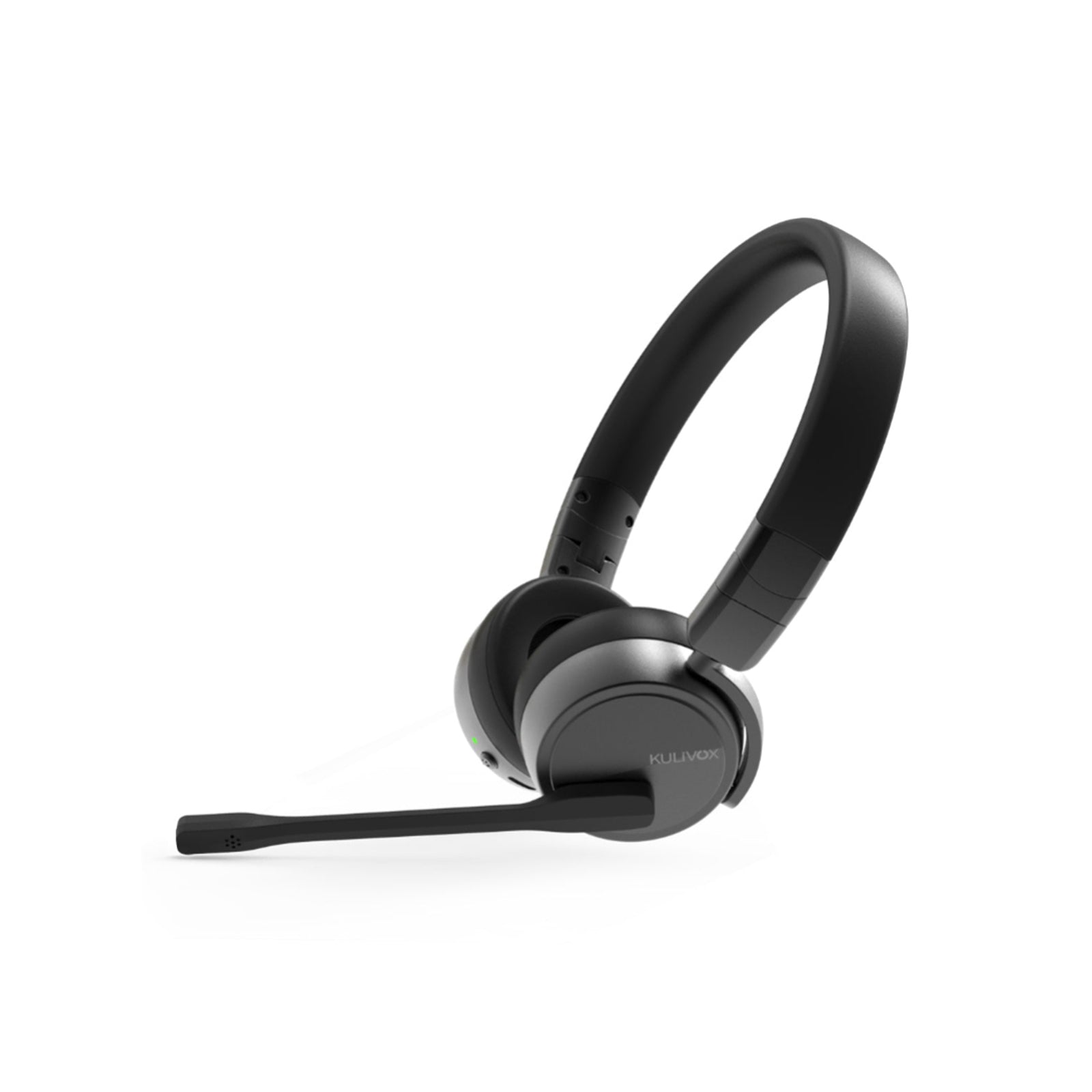
5. Use a Headset Designed for Clear Communication
Not all headsets are optimized for voice calls.
Some prioritize music playback, while others focus on microphone performance and speech clarity.
If you frequently work in noisy environments, choosing a communication-focused headset can make a meaningful difference.
How Oleap Helps You Communicate Clearly
At Oleap, we believe a good headset should do more than let you hear clearly. It should help others hear you clearly, too.
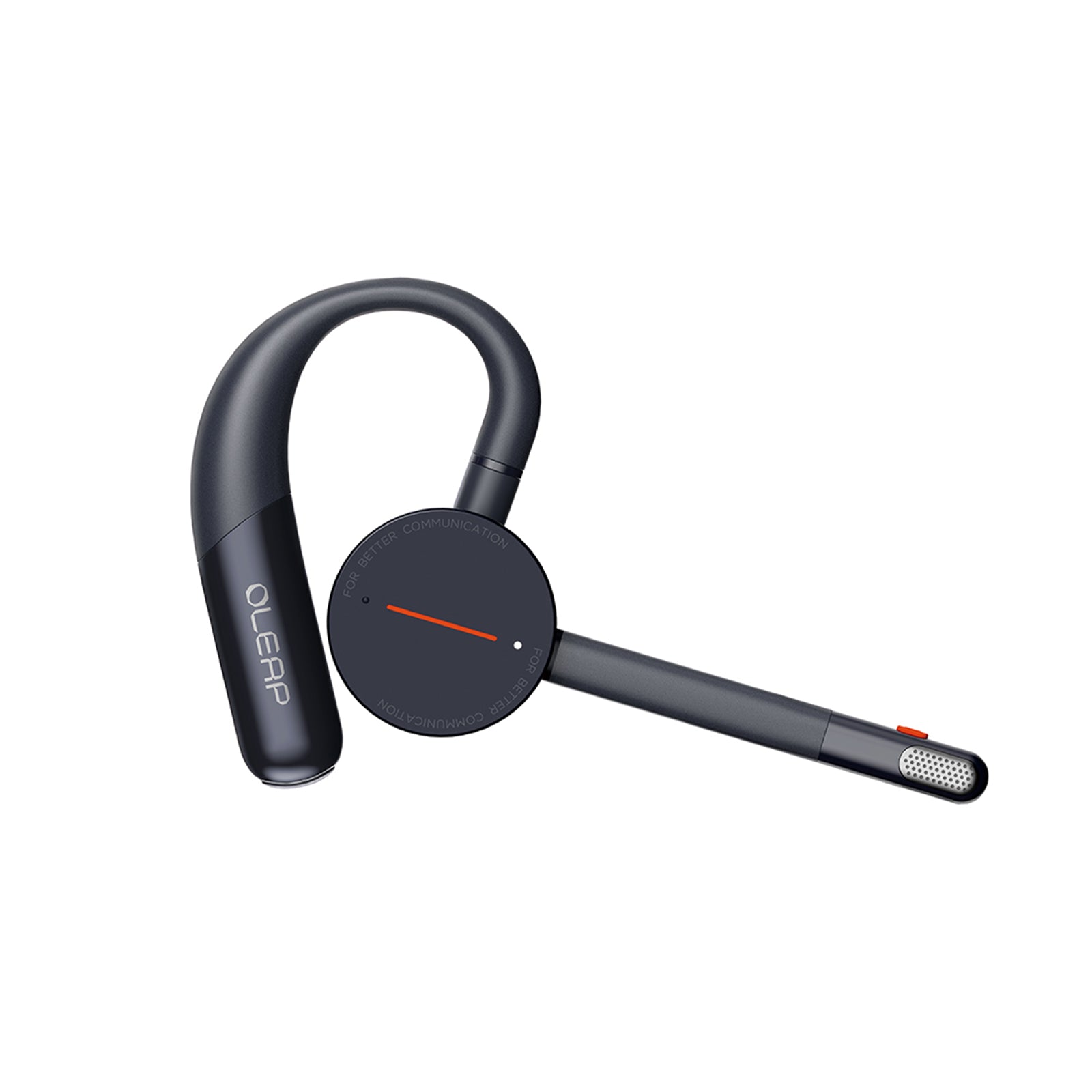
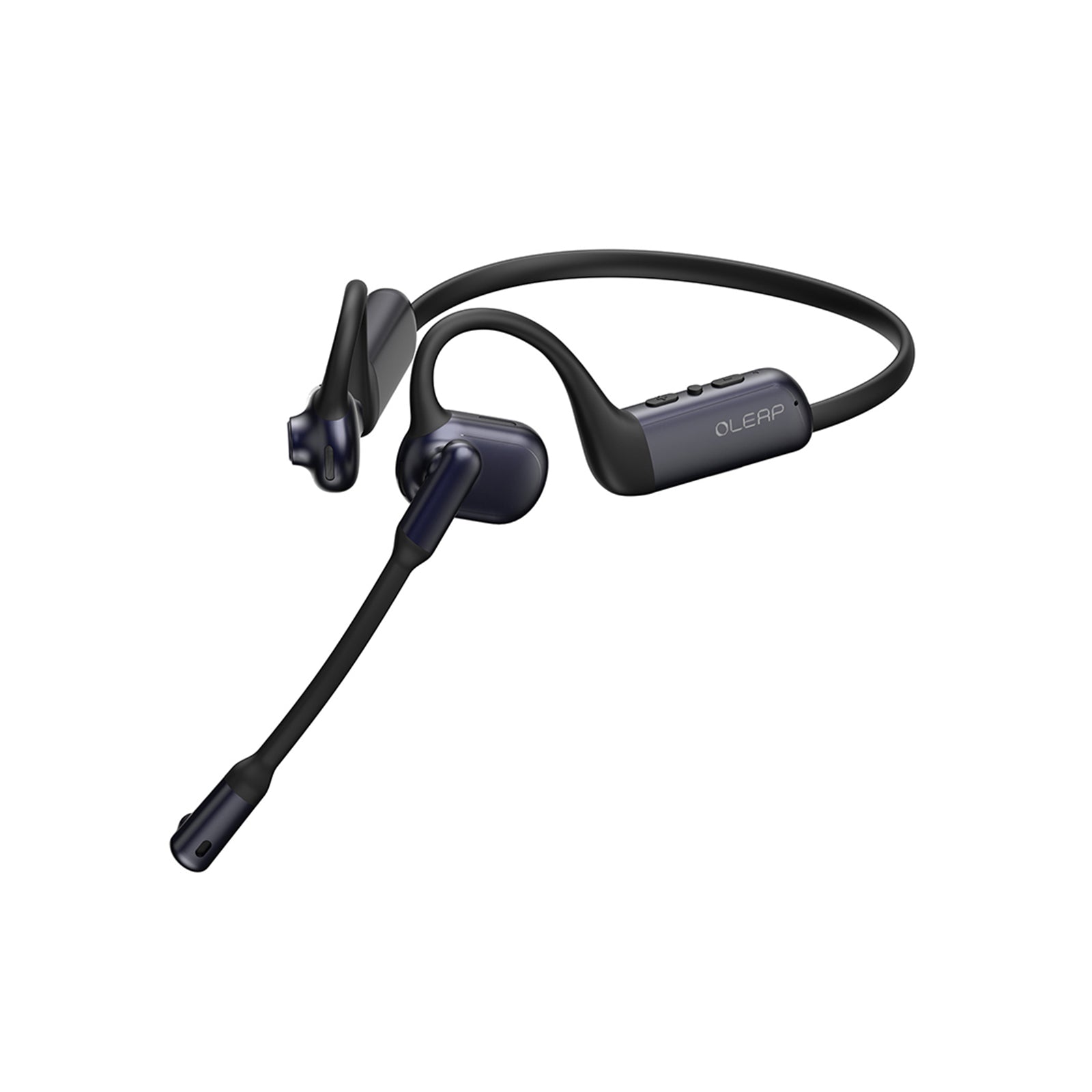
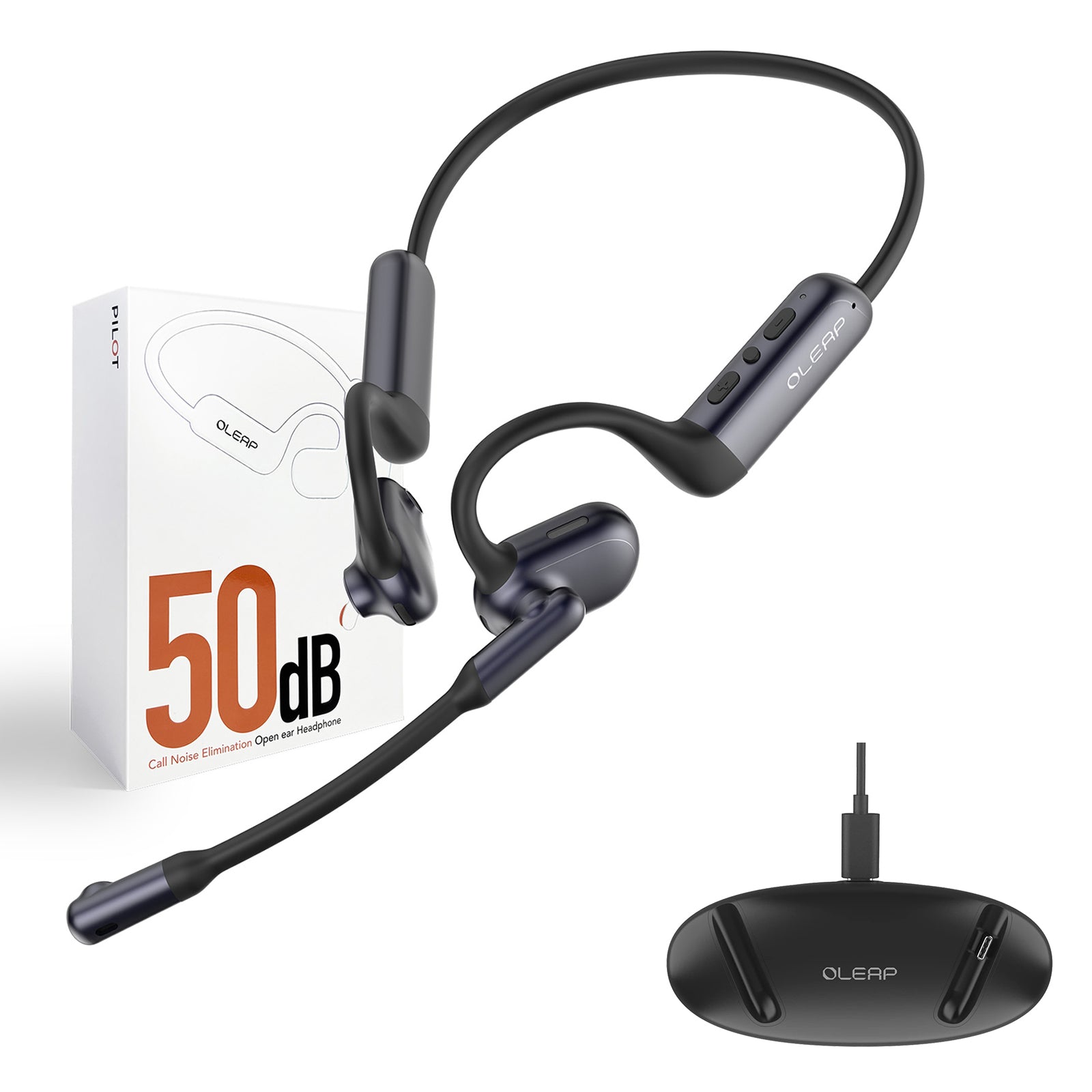
The Oleap Archer and Oleap P200b Pro feature advanced 50dB ENC noise suppression technology designed to isolate speech and reduce unwanted background sounds.
Whether you're taking a client call at an airport, joining a meeting from a coffee shop, or working in a busy office, these headsets are built to support clearer communication.
For professionals who also want AI-powered productivity features, Oleap Archer offers tools such as transcription, AI summaries, and bilingual translation to support everyday workflows.
Actual noise reduction performance may vary depending on the environment and usage conditions.
Final Thoughts
Background noise shouldn't control where you can work or take important calls.
By adjusting your microphone position, enabling software noise suppression, and choosing a headset designed for voice clarity, you can make your conversations easier to follow.
Because in business communication, every word matters.
Explore Oleap communication headsets and discover a clearer way to work.