
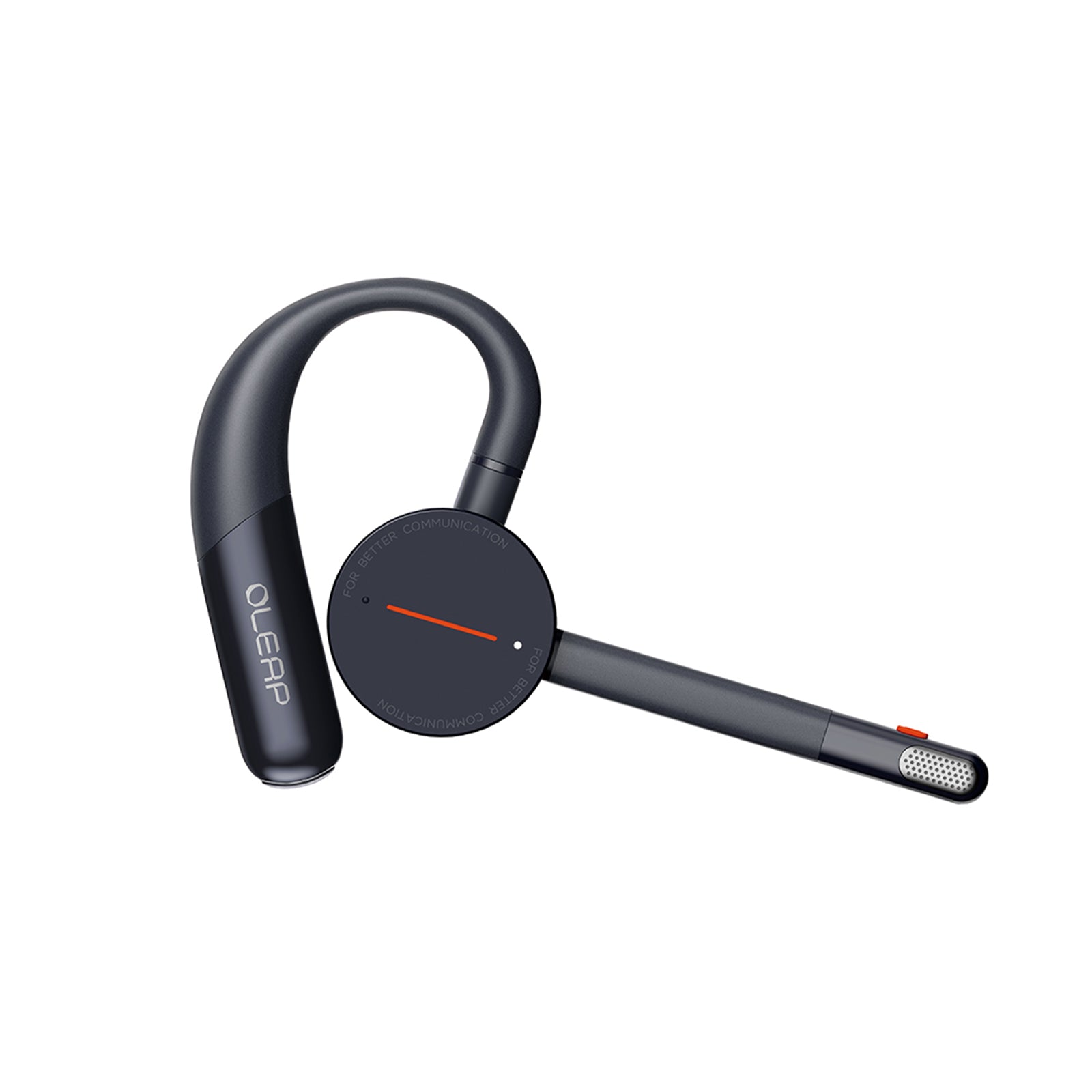
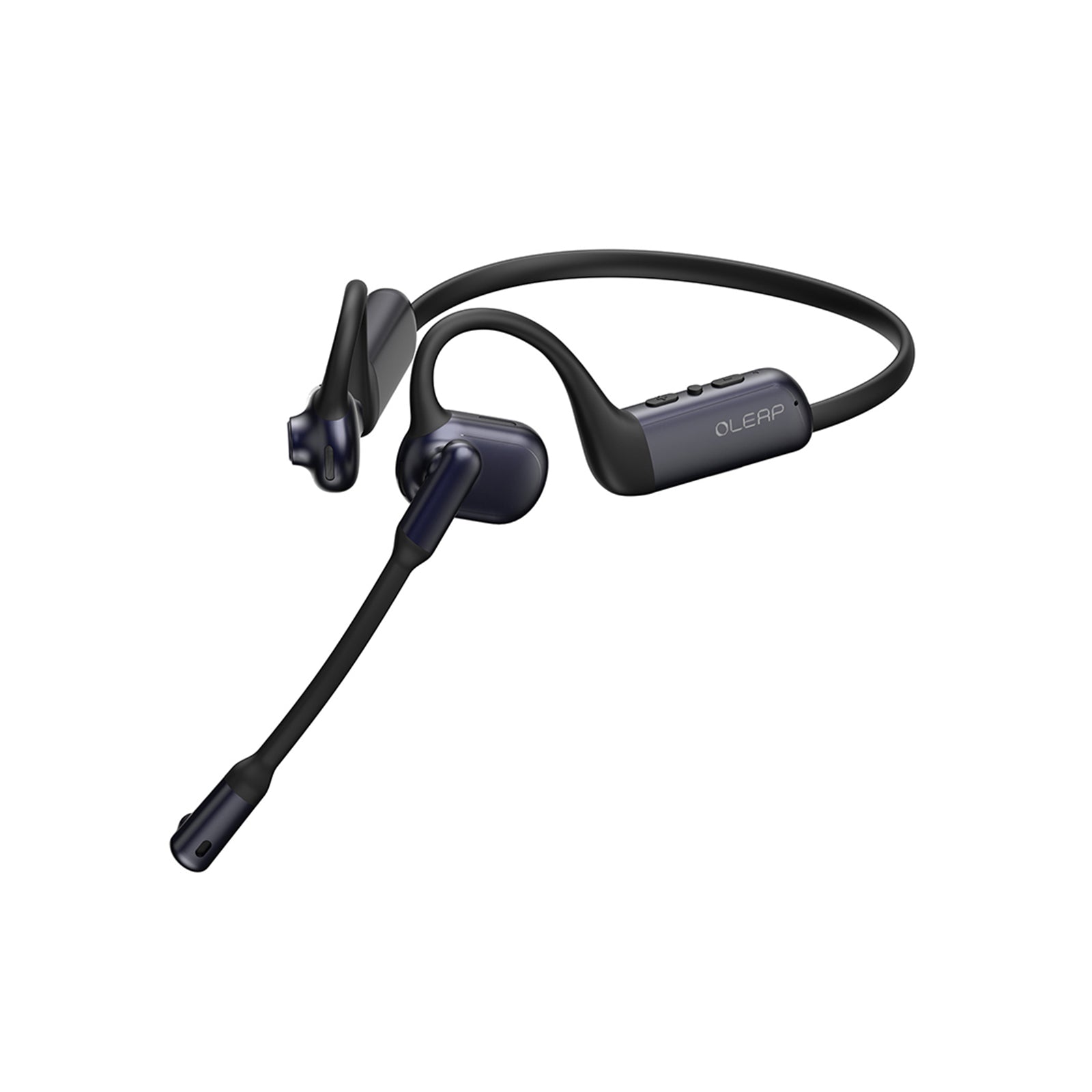
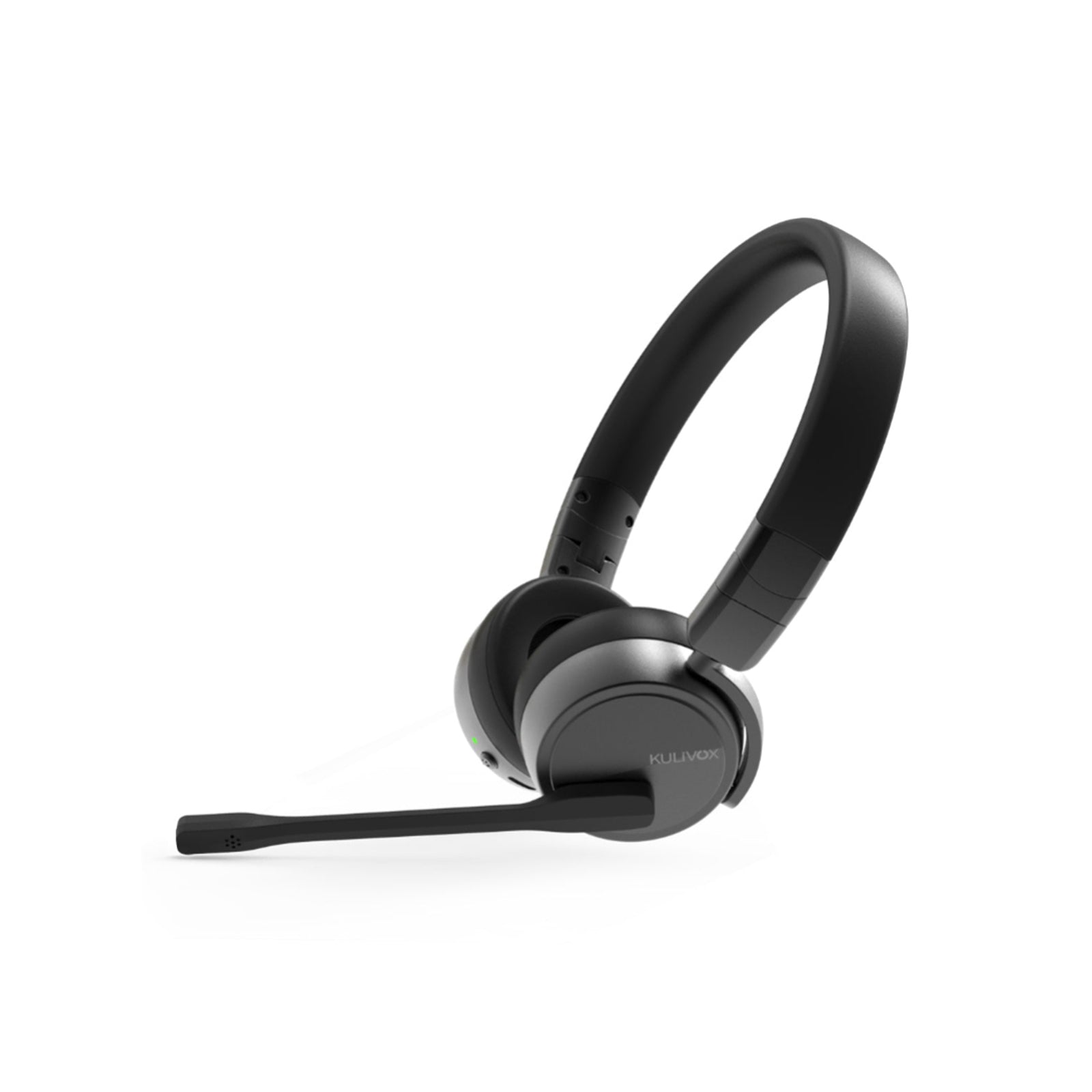
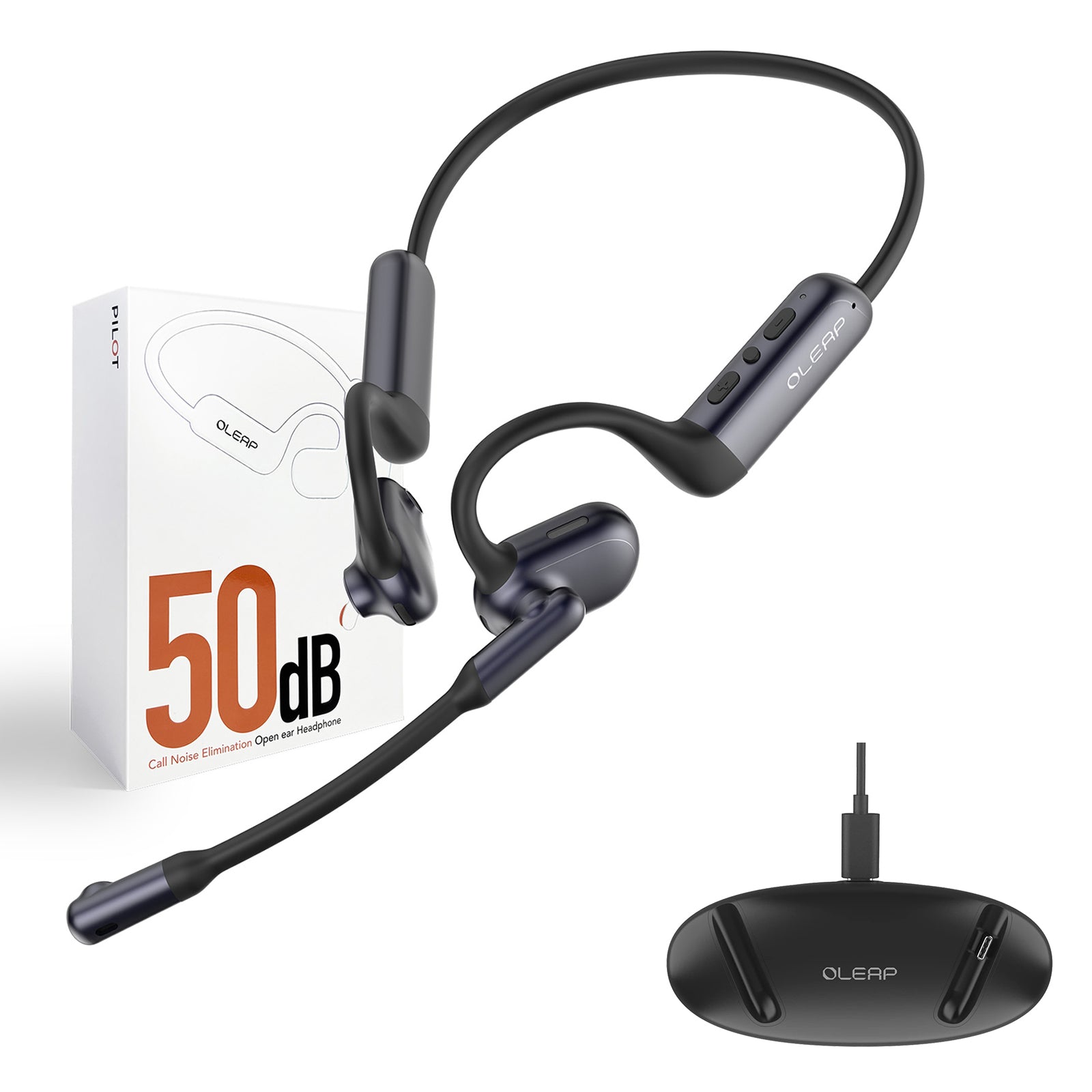
Clearer calls, better customer experiences with Oleap C200U.
Imagine you're helping a customer solve an urgent problem. Suddenly, a colleague starts talking nearby, keyboards are clicking, and phones keep ringing.
Then your customer says:
"Sorry, could you repeat that? I can't hear you clearly."
For call center agents, this happens all too often. Background noise isn't just annoying — it can interrupt conversations, increase misunderstandings, and affect customer satisfaction.
Fortunately, improving call quality doesn't require a completely silent office. The right communication headset can make a meaningful difference.
Why Background Noise Is a Problem in Call Centers
Call centers are naturally noisy environments. Dozens of agents may be speaking simultaneously, surrounded by ringing phones, keyboard sounds, and office conversations.
These distractions create three common challenges:
-
Poor communication: Customers struggle to hear agents clearly, leading to repeated questions and explanations.
-
Lower productivity: Repeating information takes extra time and makes simple conversations unnecessarily long.
-
Increased frustration: Constant interruptions can make calls more stressful for both customers and agents.
In customer service, every conversation matters. When customers can't hear clearly, even excellent service can leave a poor impression.
How to Improve Call Quality in a Noisy Office
Reducing background noise starts with a few practical changes.
1. Choose a Noise-Reducing Headset
Not all headsets are designed for busy communication environments.
A headset with an effective noise-reducing microphone helps prioritize the speaker's voice while minimizing unwanted surrounding sounds.
This is especially valuable in open-plan call centers, where nearby conversations can easily interfere with customer calls.
2. Position Your Microphone Correctly
Microphone placement directly affects voice pickup.
Keep the microphone positioned according to the headset manufacturer's recommendations to maintain consistent audio quality.
Even small adjustments can help improve how clearly customers hear your voice.
3. Minimize Workplace Distractions
Simple changes can also improve the calling environment:
-
Keep unnecessary conversations away from active calling stations.
-
Reduce notification sounds.
-
Use acoustic partitions where possible.
-
Test audio equipment under real working conditions.
Combined with the right headset, these improvements can help create a more professional communication experience.
Oleap C200U: A Practical Headset for Customer Service
For professionals who spend hours communicating with customers, a reliable headset is an essential everyday tool.
The Oleap C200U USB Headset is designed for professional communication scenarios, including call centers, customer support, and office-based calling.
In busy environments, microphone performance is particularly important. Customers need to hear the agent's voice without being distracted by surrounding office activity.
A dedicated communication headset like the Oleap C200U offers a practical option for teams looking to improve their daily calling setup.
Whether handling customer inquiries, providing technical assistance, or discussing important business information, clear communication helps every conversation run more smoothly.
What Makes a Good Call Center Headset?
When choosing a headset for customer service, focus on the features that matter most during everyday work.
Clear microphone pickup: Customers should be able to understand your voice even when the office is busy.
Comfortable wearing experience: Agents often spend hours on calls, making comfort an important consideration.
Reliable connectivity: A stable connection helps maintain consistent communication throughout the workday.
Simple operation: Easy-to-use equipment allows agents to concentrate on customers instead of adjusting devices.
The best headset isn't necessarily the one with the most features. It's the one that meets the real needs of your working environment.
Frequently Asked Questions
What is the best headset for a noisy call center?
Look for a professional headset with effective microphone noise reduction, clear voice pickup, comfortable wearing design, and reliable connectivity.
Can a noise-cancelling headset eliminate all background noise?
No headset can guarantee complete noise elimination. However, effective microphone noise reduction can help minimize distracting sounds during calls.
Are USB headsets suitable for customer service?
Yes. USB headsets are a practical option for desk-based customer support teams because they provide a wired connection without requiring wireless pairing or battery charging.
Final Thoughts: Every Clear Conversation Counts
A busy call center will never be completely silent. Phones will ring, keyboards will click, and colleagues will continue talking.
But background noise shouldn't prevent customers from hearing the help they need.
By combining better workplace practices with suitable communication equipment, businesses can create clearer, more productive customer interactions.
The Oleap C200U offers a practical headset option for professionals who depend on clear communication every day.
Oleap C200U — Clearer Calls. Better Conversations.