
You put on your noise-canceling headphones, join a meeting, and enjoy a quieter workspace. Then a colleague asks, “Are you sitting next to a fan?”
You can barely hear the room around you. Why can everyone else still hear it?
The answer comes down to two different audio paths: the sound reaching your ears and the sound your microphone sends to the call. Improving one doesn’t automatically improve the other.
Noise cancellation isn’t always designed for your microphone
Active noise cancellation, or ANC, is designed primarily to reduce unwanted sound reaching your ears. It can make listening more comfortable, especially around steady background noise.
But your microphone has a separate job. It needs to capture your voice and transmit it clearly.
A headset can provide a quiet listening experience while still sending keyboard clicks, nearby conversations, or fan noise to other participants. That doesn’t necessarily mean its ANC is failing. It means listening performance and microphone performance need to be evaluated separately.
For meetings, the question isn’t only “How quiet does my environment sound to me?” It’s also “How clearly does my voice reach the other person?”
Your microphone hears a different version of the room
Your colleagues don’t hear your surroundings through your ears. They hear whatever your selected microphone captures.
If that microphone is far from your mouth, your voice may compete with more background sound. If it sits directly in your breath stream, it may pick up distracting bursts of air.
Before changing equipment, check which microphone your meeting app is using. Your headphones may be connected while the app is still using your laptop’s built-in microphone.
Then check microphone placement according to your device’s instructions. A small adjustment can make a meaningful difference, especially if your voice currently sounds distant.
Microphone noise reduction has a different purpose
Microphone noise-reduction features are designed to reduce unwanted sound in the audio being sent to others. You may see these described as environmental noise cancellation, or ENC, microphone noise suppression, or voice isolation.
These labels alone don’t tell you how a headset will perform in your workspace. Results depend on the microphone design, processing, fit or positioning, and type of background noise.
A steady fan and a person speaking nearby present different challenges. That’s why a realistic call test is more useful than choosing solely by a feature name or headline specification.
Meeting software can change the result
Your meeting app may apply its own noise suppression and automatic audio adjustments.
Those settings can help, but stronger processing isn’t always better. If your voice sounds choppy, unnatural, or loses the beginnings and endings of words, compare the available settings.
Change one setting at a time and repeat the same short sentence. Listen for whether background distractions decrease without making your speech harder to understand.
The goal is clear communication, not complete silence.
Test what the other person actually hears
Start with a short recording in a quiet room. Then repeat it while typing or with your usual background noise present.
Next, make a test call through the platform you normally use. Ask a colleague to listen without seeing your script and repeat a name, number, or instruction back to you.
This checks something more useful than whether your voice is loud enough: whether your message is easy to understand.
If the recording sounds clear but the live call breaks up, investigate your app settings and connection before assuming the microphone needs replacing.
Choose for your working environment
If you’re shopping for a work headset, consider outgoing voice clarity alongside listening quality.
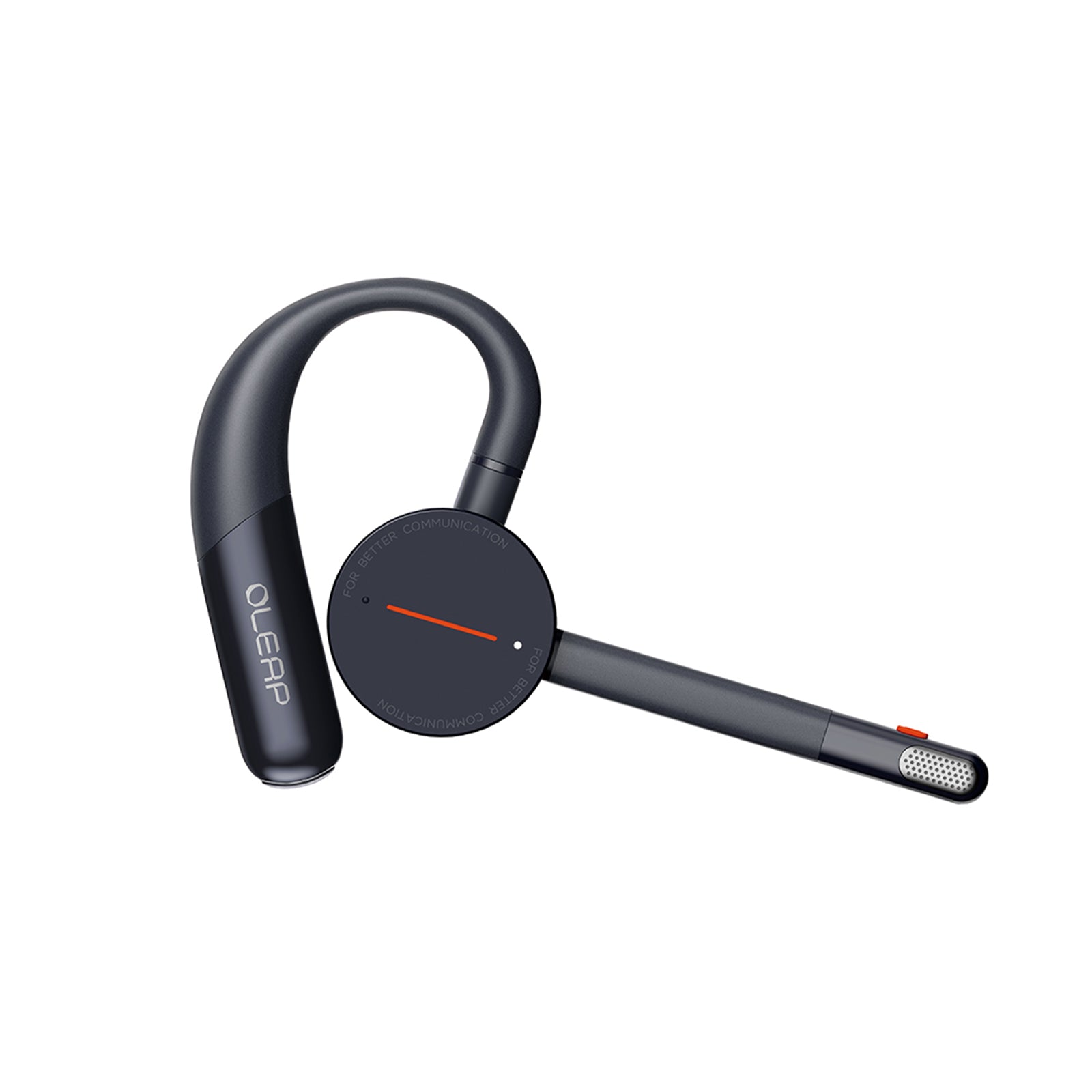
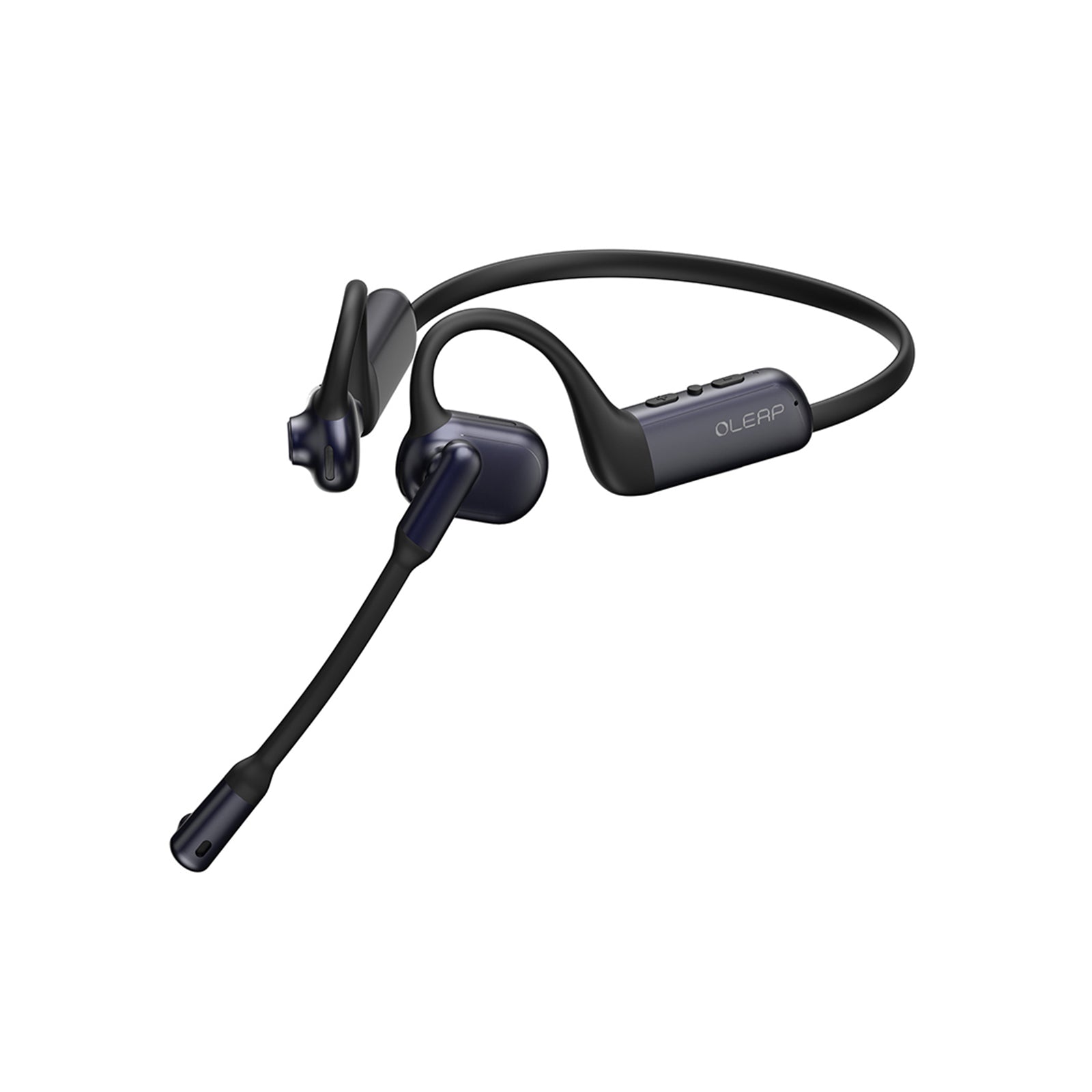
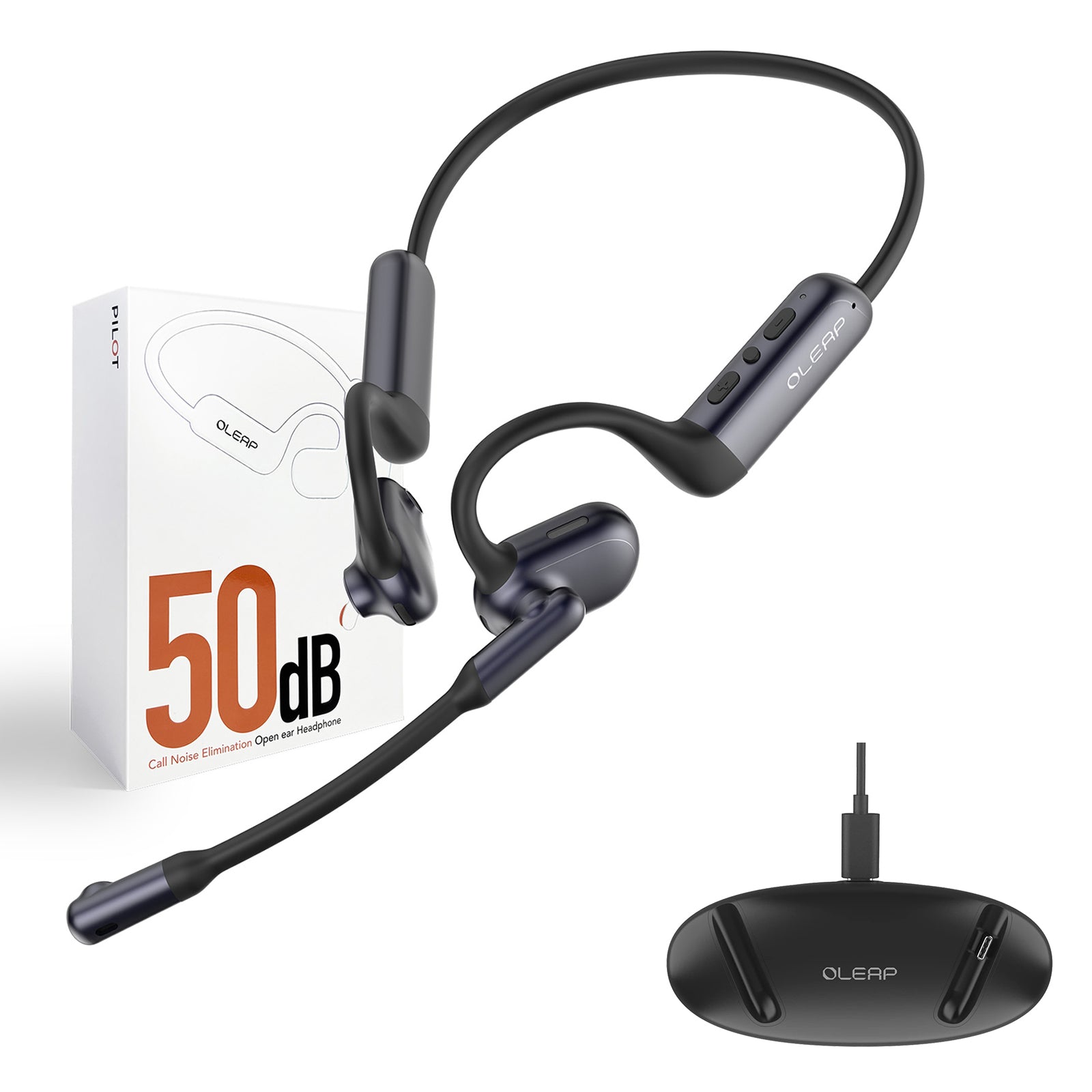
Look for realistic microphone demonstrations, compatibility with your devices, reliable connectivity, and comfort during long meetings. If you’re considering an Oleap headset, review the specific model’s microphone features and connection options against the problems your test revealed.
A quieter listening experience is valuable. But a successful meeting depends on both sides of the conversation.
Before your next call, take a few minutes to test your microphone from the listener’s perspective. The best setup is the one that helps the other person follow your words without asking you to repeat them.